You launch the Power Moon Recomp build, pick your game files, and the tool refuses to build. Or the game runs, but you freeze in Cascade Kingdom with no idea which Power Moons you need to move on. This guide covers both. It explains what the unofficial Super Mario Odyssey PC port needs, how version 1.4.1 fits in, the order of the kingdoms, and the boss plans that stop most players. It also lists the problems players have reported so far and what is still unconfirmed.
Super Mario Odyssey Guide Power Moons, Hat-Shaped Airship Kingdoms & PC Port Details
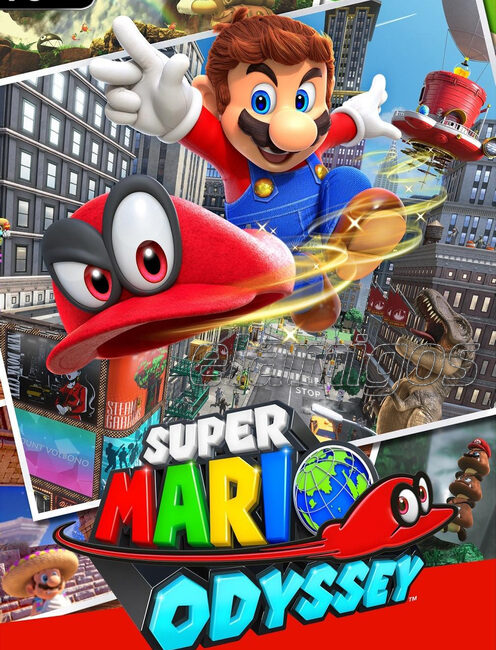
Odyssey is a trip across many small kingdoms in a hat-shaped airship, the Odyssey. Bowser has kidnapped Peach to force a wedding, and you chase him. Each kingdom is a different style of place: a desert town, a city with realistic people, a food kingdom, a snowfield. You collect Power Moons to fuel the ship.
What sets it apart from other Mario games is that you are not following a straight line. Each kingdom is a big open space with dozens of Power Moons placed in it. You choose where to go, and you throw your hat Cappy to take over enemies and objects.
The PC port is a different thing from the console game. It is a native port made from Switch recompilation work, and it is reported as playable from start to finish. The tool converts the console’s ARM code into native x86-64 code for PC.
How Cappy Captures Work, Easy Starting Enemies, and Peach/Tiara/Bowser’s Non-Playable Roles
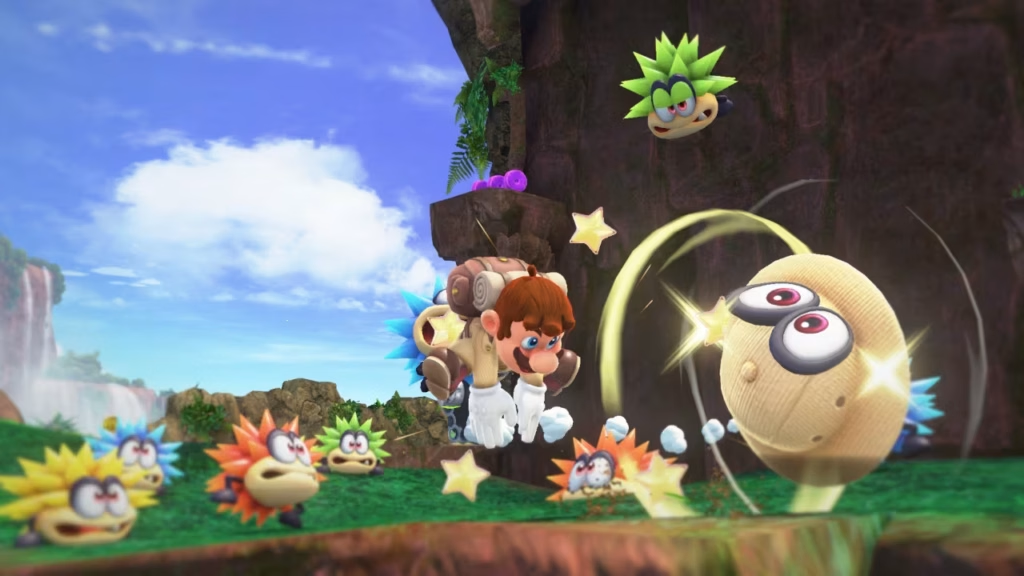
You play Mario. Cappy is your hat and your main tool. Throw it, jump off it, or use it to capture enemies, animals and objects. Each capture changes how you move, and many Power Moons need one specific capture.
Beginners should start with the Goomba stack, the Frog and the Bullet Bill. They are easy to control and show how capturing works. Peach, Tiara and Bowser matter for the story but are not playable in the main game. Explore More Action & Adventure
Stuck in Super Mario Odyssey? Verified Kingdom Progression, Sand Kingdom Moon Requirements & Boss Capture Solutions
The game moves in kingdoms. In each one you need a set number of Power Moons to fuel the ship before you can go on. The usual order is Cap, Cascade, Sand, Lake, Wooded, Cloud, Lost, Metro, Snow, Seaside, Luncheon, Ruined, Bowser’s, Moon. [VERIFY order and required moon counts per kingdom against the official wiki]
Players most often get stuck in two places. One is the first time a boss needs a capture they have not used yet. The other is the Sand Kingdom, where the moon count looks high and the map feels large. In most kingdoms you can leave and come back later, so a stuck player can switch to another kingdom and return.
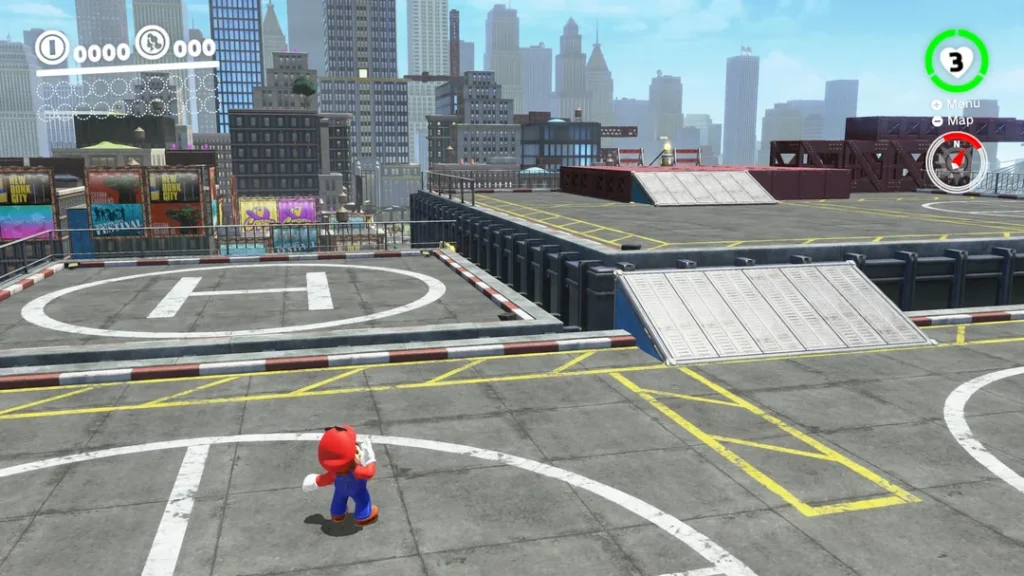
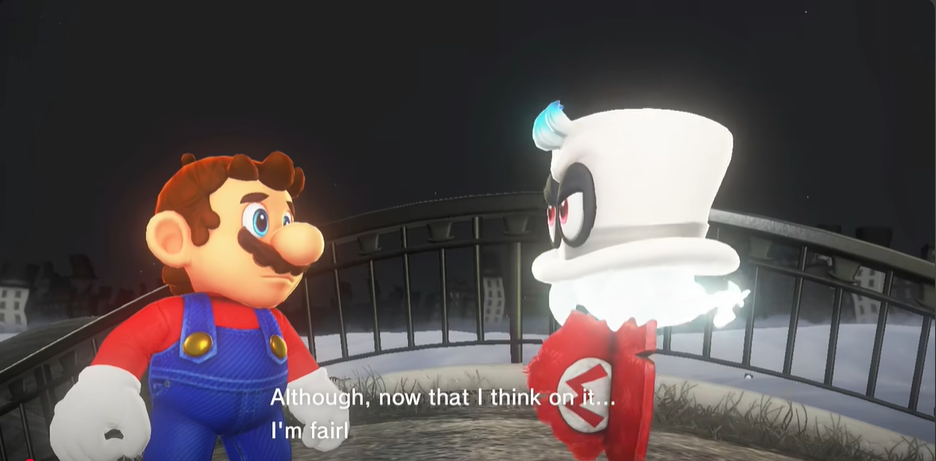
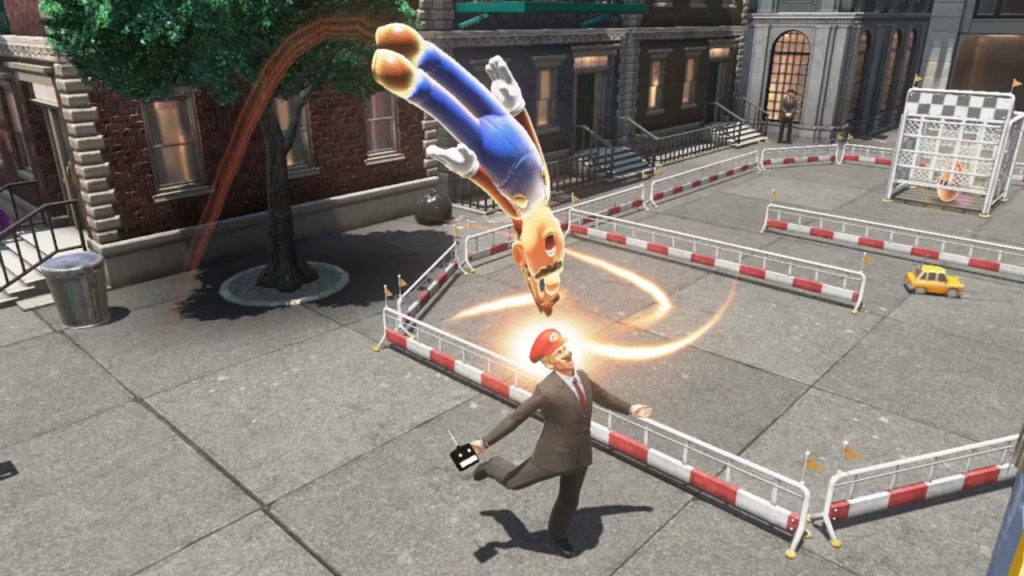
Super Mario Odyssey PC Port + Walkthrough Power Moon Recomp Build Requirements, Kingdom Progression, Boss Patterns & 100% Moon Cleanup
Set up the port before you play. Open the Power Moon Recomp setup program and point it to your own game files. The tool checks them and builds the PC version, so expect a wait. This matters because a wrong version means no build. It can go wrong if your files are not 1.0.0, so check that first. You know it worked when the build finishes and the game launches to the title screen.
Cap Kingdom (Bonneton). After the intro with Peach and Bowser, Mario meets Cappy. Learn the basic jump, the hat throw and the capture on the first enemies. This stage is a tutorial for your hand, not for your brain. It matters because every later puzzle uses these moves. You can get stuck if you skip the wall jump practice, so try each move in the open space. You did it right when you can capture a Goomba and use it to reach a high ledge. The boss is Topper, who throws his hat at you. Dodge, then hit him with Cappy when he is open.
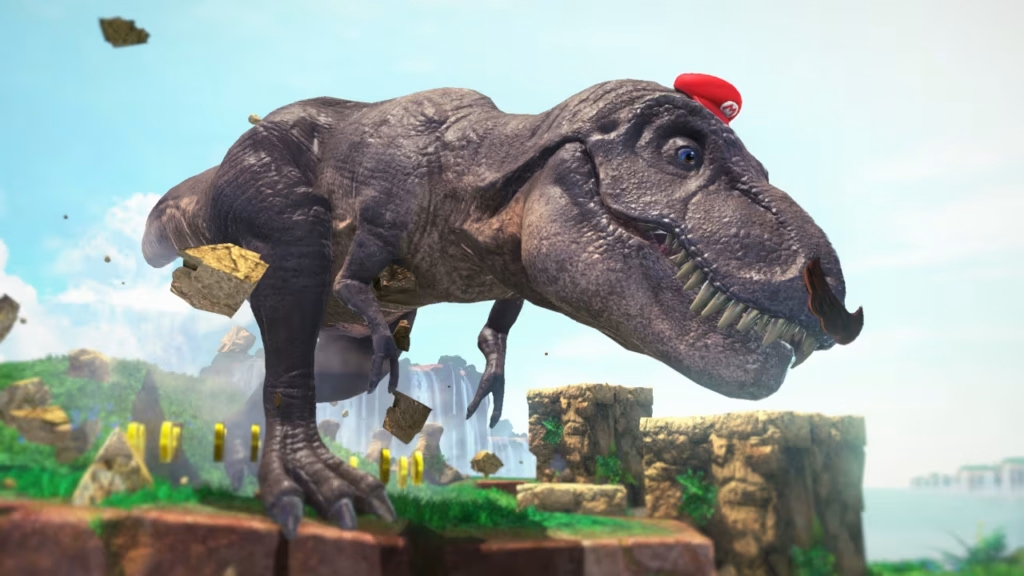
Cascade Kingdom. Go to the central area and chase the first Power Moon objectives. Use the captured T-Rex to break the large blocks. This kingdom teaches that some moons are hidden behind rock. It can go wrong when you skip the T-Rex capture and cannot break a wall. You did it right when the wall breaks and a Power Moon appears. The boss here is Madame Broode with her Chain Chomp. Stand clear of the chain and hit the Chain Chomp when it comes at you.
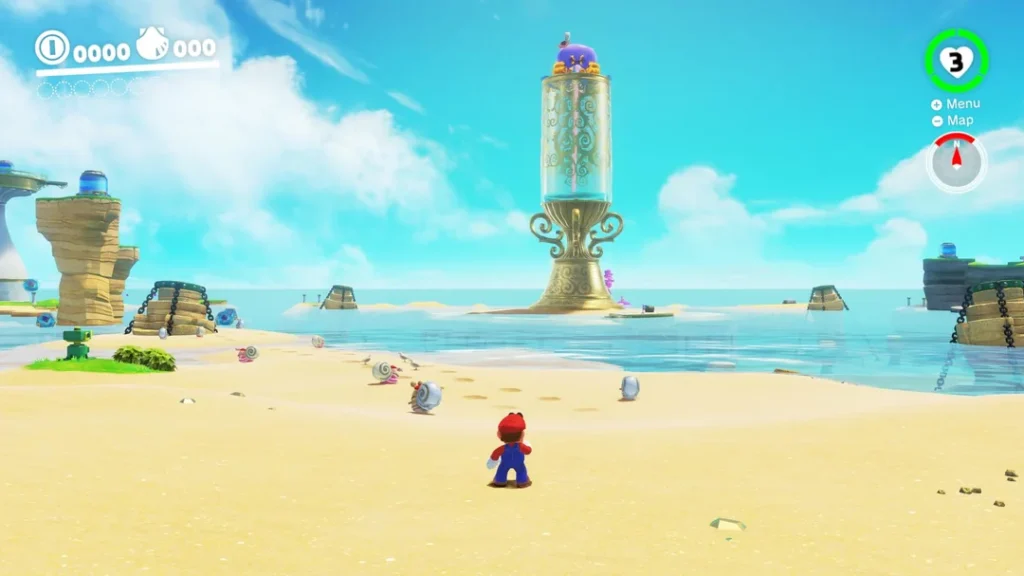
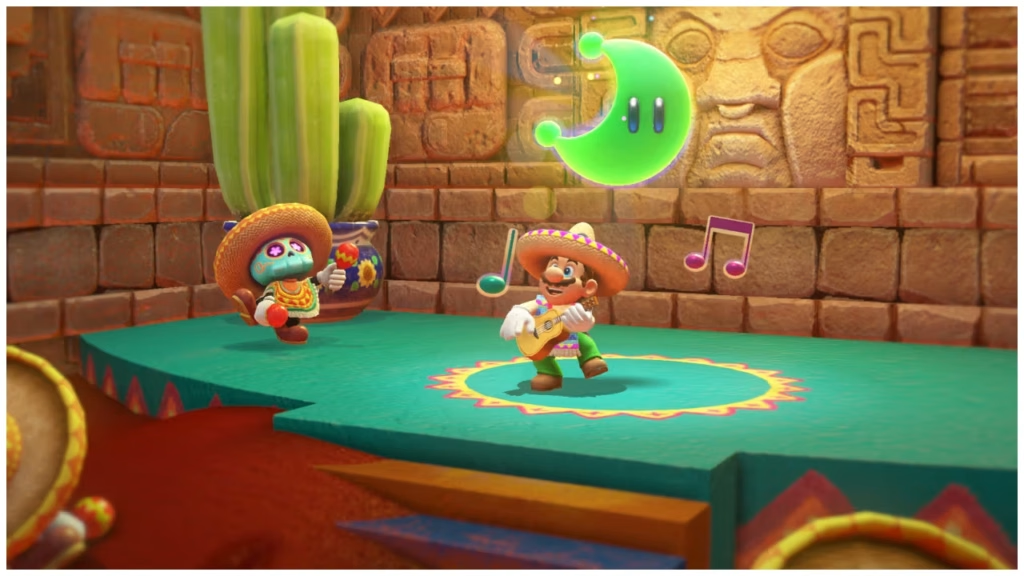
Sand Kingdom (Tostarena). This is the first big kingdom. Walk the town, talk to people, and look for moons in the buildings and the pyramid area. Moons are more spread out here, so scan each area instead of running past. If a puzzle looks odd, it is often a hint that you need a capture or a ground pound. You know you are on track when your moon count passes the goal for the area. The boss is Knucklotec. Wait for its punch, hit it with Cappy, and repeat.
Lake and Wooded Kingdoms. Lake Lamode has a wedding theme, and you need to find the right items for the story. The Wooded Kingdom has Steam Gardens with tall platforms and a boss called Spewart. These are more about timing than speed. A common problem is falling from high platforms, so use the ground pound and dive to control your landing. You are on track when the Odyssey has enough moons to lift off.
Metro, Snow, Seaside and Luncheon. Metro Kingdom is New Donk City. It has a mix of tasks in a city, and you will use the 8-bit pipe sections. Snow Kingdom brings icy slopes. Seaside Kingdom is about swimming and water capture. Luncheon Kingdom is food, lava and a boss named Cookatiel. Before each boss, make sure you have 3 hearts and the right capture ready.
Ruined, Bowser’s and Moon Kingdoms. The Ruined Kingdom has the Dragon boss and a tricky route. Bowser’s Kingdom is the main story peak, and the Moon Kingdom is the last stage before the finale. Save your health items and focus on the boss patterns. When the story ends, you can keep playing for more moons.
After the ending. Return to older kingdoms to collect the rest of the Power Moons. The Moon count is large, and finishing all of them takes much longer than the story. Check that the port saves correctly before a long session.
5 Super Mario Odyssey Beginner Mistakes Missed Moons, Ignored Captures, Skipped Moves, Low Health & Wrong PC Build
- Running past moons. Look around each area for two minutes before leaving.
- Ignoring captures. If you see an object that looks odd, try Cappy on it.
- Skipping the tutorial moves. Practice the roll, dive and wall jump early.
- Playing at low health on bosses. Eat food items before a boss to have a spare heart.
- Using the wrong build on PC. Check your game file version before you run the setup tool.
2-Hour Super Mario Odyssey Beginner Plan: Setup, Cap/Cascade Capture Practice, Sand Kingdom Moon Hunt & the Cappy Jump Shortcut (Test on PC Port)
Spend the first 20 minutes on setup and settings. Then play Cap and Cascade and learn the capture system. Spend the rest of the time in the Sand Kingdom, searching for moons. Stop when you pass the moon requirement for that kingdom.
One smart shortcut
Throw Cappy, then jump off it to gain extra distance. It works on the console version, but I could not confirm it in the PC port.
Common errors and problems, with fixes
I found no official support page or patch notes for this port, and no confirmed list of crashes. I am only including two problems that sources describe, and I am leaving out generic Windows tips.
The setup tool will not build the game. You select your files, the tool checks them, and then it stops or reports a problem. The likely cause is a file version mismatch, because the tool verifies your files and then builds the PC version, and it needs version 1.0.0.
- Check which version of the game your files come from.
- Use version 1.0.0 files.
- Run the setup again and wait for the verify step to finish.
If that fails, check the project page for a note on 1.4.1 support. One source says 1.4.1 is optional and others say it is not supported.
The game runs, but you cannot go above 60 FPS. The likely cause is that the frame rate is capped at 60 because the game speed is tied to the frame rate. This is a design limit and not a bug. One report mentions 120 FPS and DLSS on an earlier build.
How to enjoy it more
Pick a controller if you have one, because 3D platforming feels better with an analog stick. The port supports keyboard, mouse, controllers and compatible mods. Check the in-game settings for resolution and display options. The port is reported to reach 4K at 60 FPS. No specific CPU or GPU requirement is given for that. An earlier work-in-progress video showed close to 60 FPS on an RTX 3050 laptop GPU. Treat that as a single data point, not a guarantee.
What changed in version 1.4.1 ?
Version 1.4.1 is a small Switch update. Its official notes say only that several issues were fixed for Switch 2. If you play the PC port, this update probably changes little for you. The bigger question is whether your files must be 1.0.0, in which case you may miss features from later updates such as Luigi’s Balloon World. Check the project page before you install.
Who should play and who should skip
Play it if you own the game, like 3D platformers and want a PC version with better resolution, controller support and mods. Skip it if you want an official, stable release. This is an unofficial project, the setup is more work than a normal install, and I found no official support channel for errors. Another weakness is that the version rules are unclear, and the frame rate is limited to 60.
Does Super Mario Odyssey have an official PC version?
No. Power Moon Recomp is an unofficial port. It needs your own copy of the game.
Which game version does the PC port need?
Most reports say 1.0.0. One older report says 1.4.1 also works, so check the project page.
Can I run it on a low-end PC?
I could not confirm this. No official requirements are given beyond 64-bit Windows 10 or 11.
Why is my game stuck at 60 FPS?
The game speed is tied to the frame rate, so the port caps it at 60 FPS.
Does it work with a controller?
Yes. Controllers, keyboard and mouse are reported as supported.
How many Power Moons do I need to finish the game?
The number changes by kingdom. Check the official wiki for exact counts.
How to Install the Game For Windows?
1. Click the Download button below and you should be redirected to Link.
2. Download The Game from the given link.
3. When the game is downloaded Double click the game folder and run the Pre-Installed (Already installed) Game and play it.
4. Have fun and play! Make sure to run the game as administrator and if you get any missing dll errors, look for a Redist or _CommonRedist folder and install all the programs in the folder.
Download Note About Security: When you click the download link, you will be redirected to a hosting site where you may find some fake download buttons. Please be careful when clicking these buttons.
How to open a Torrent?
1. Download qBittorrent: Free program, no ads.
2. Open the downloaded .torrent file in it.
3. Double-click on the file or “File → Add Torrent”.
4. Select a folder and wait for it to download.
5. Then run the installation from this folder.